The Blue Dragon Web manual
The 9to5 Media Services website has a wealth of information on web manuals. You may find our sitemap helpful.
For a live web manual example, please go here:
https://9to5.de/showcase/dragonlair/dragon_lair_blue_dragon_user_manual_en.htm
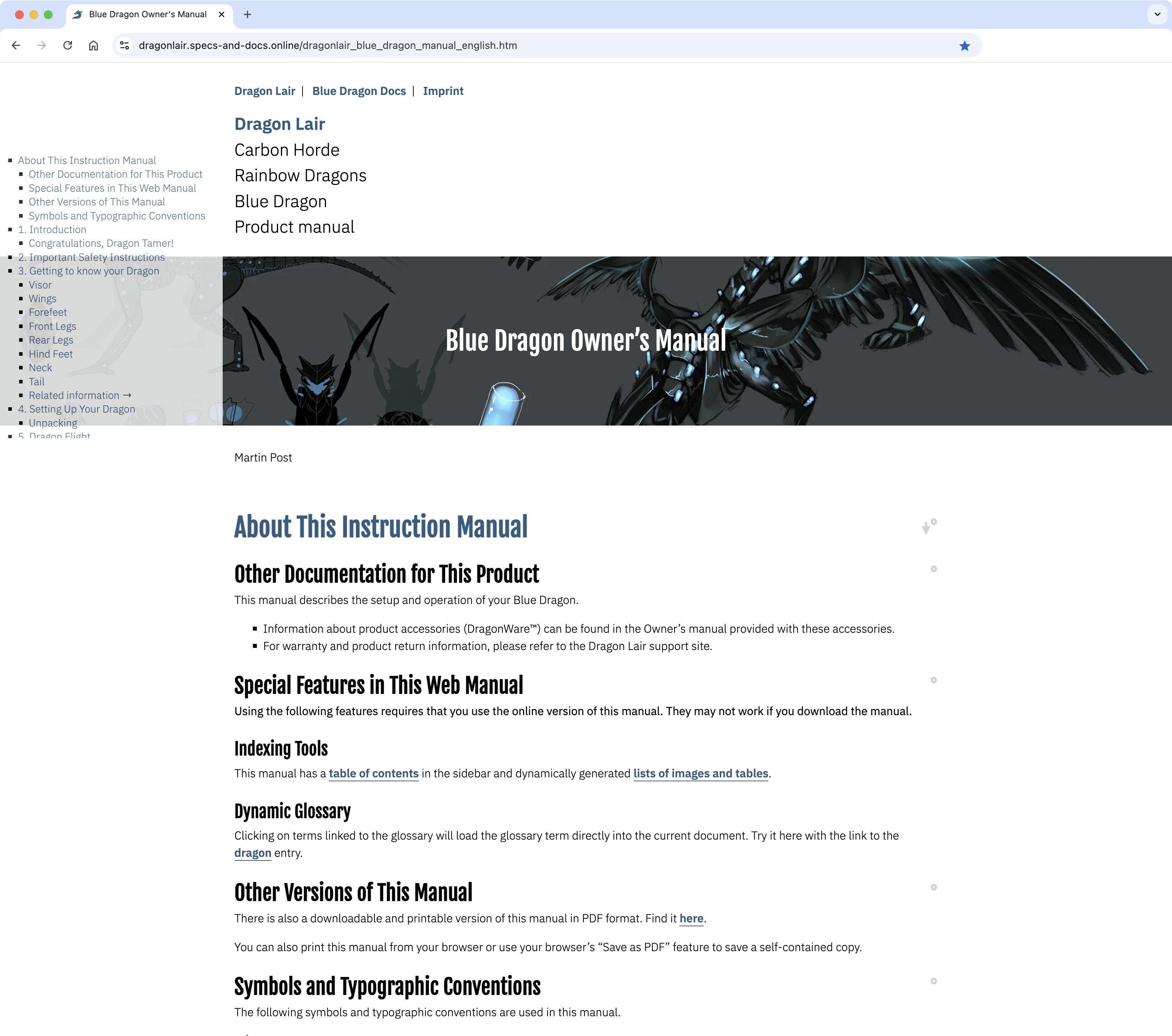
This manual for a (fictitious) robot dragon shows some of LOOPS’s features:
- Element ID exposure for content sharing
-
Each level 1 heading and image caption has a widget (a “°” degree character). Clicking this widget will place the respective element’s ID in the navigation bar, so it can be bookmarked or forwarded. In an optional mode, clicking the widget will copy the element’s ID directly to the clipboard, creating a shareable bookmark.

- Full-length and chapter-sized (“chunked”) variants
-
The full-length document contains all content, which can also be printed or saved as a PDF. In the “chunked” output format, links between sections are retained/updated. The segmentation level (for example, at each level 1 heading, or level 1 + level 2) can be customised as required.
- HTML documents export to PDF format (client-side)
-
Readers can convert web / HTML documents to print-ready PDF documents using their browser’s Print / PDF export feature.
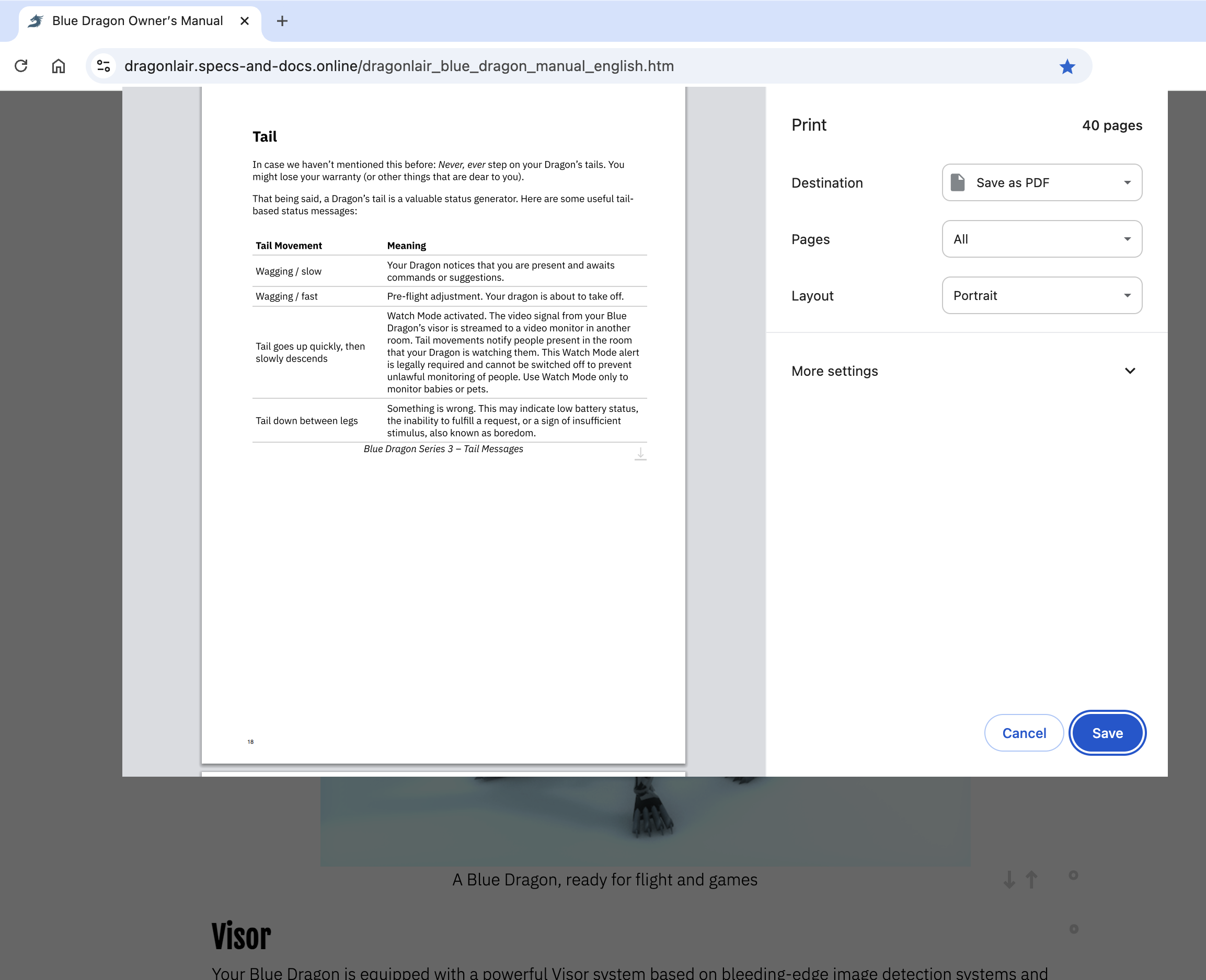
- HTML documents printout (client-side)
-
Readers can print web / HTML documents using their web browser’s Print feature. As with all HTML content, the printout will “float” (i.e., adjust to the selected printer’s paper size).
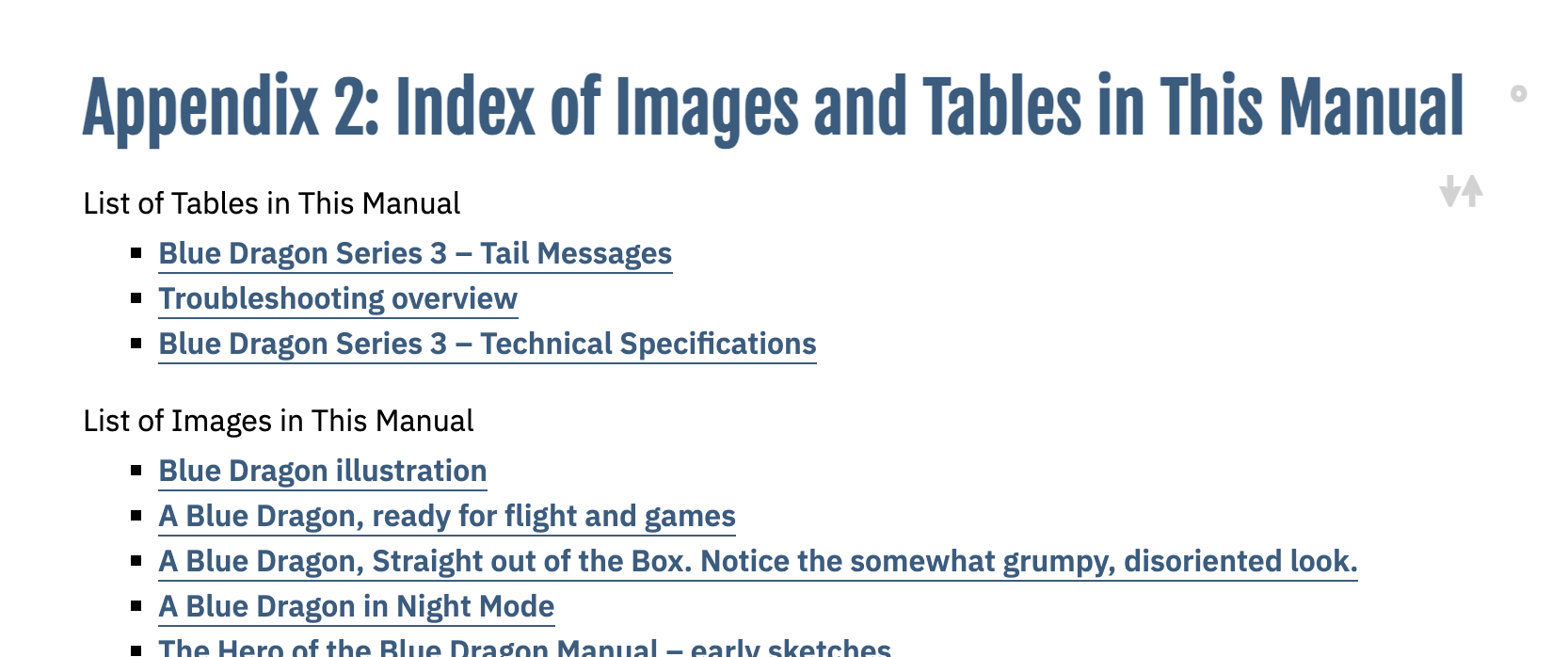
- Index (linked list) of tables and images
-
Authors can place hyperlinked, alphabetically sorted lists of tables, images, videos, and other elements at arbitrary positions of an HTML document. Entries are linked to the respective elements.
- Link target highlighting
-
When a reader uses (clicks/taps) an in-document hyperlink, the link target will be briefly highlighted using CSS animation. This improves the user experience, as the user is made aware of the “jump” process.
- Markup
-
All relevant semantic markup is supported: basic text, block quotations, code blocks and inline code segments, definition lists, document sections, emphasis (italics) and strong emphasis (bold text), footnotes, headings, hyperlinks (in-document and external, inline and reference links), image integration via url, multi-level ordered and unordered lists, rulers, superscript and subscript, tables.
- “Next …” / “Previous …” navigation
-
All h1, h2, image, and table caption elements have up and down arrows, hyperlinked to the previous and next element of this type. This allows users to jump between all elements of a particular type without having to open / go to an index or table of contents.

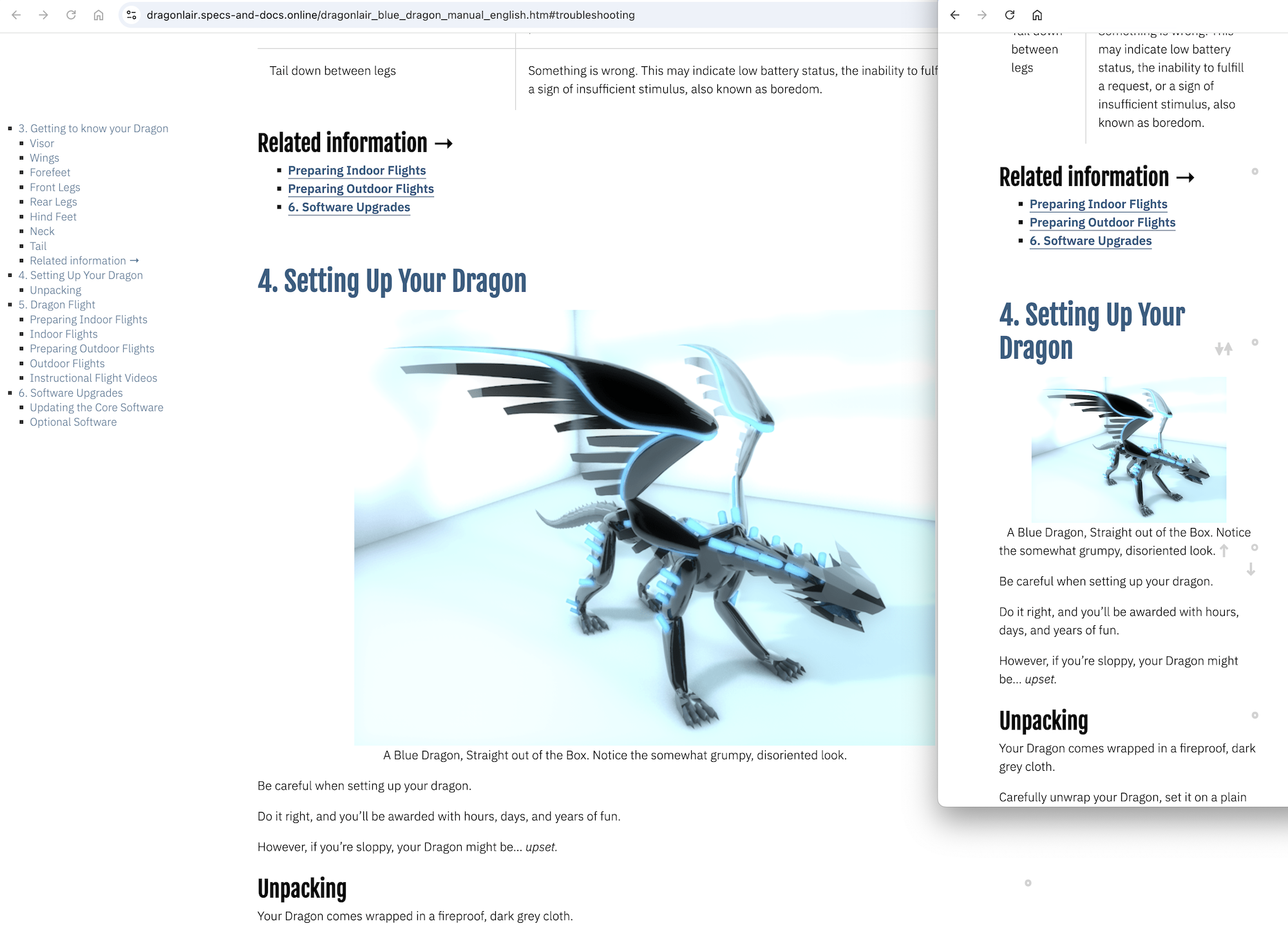
- Responsive presentation
-
HTML content is automatically adjusted to the currently used device / viewport size using responsive CSS (media queries).
- Separation of structure, presentation, and logic
-
Content is structured using semantic markup, styled with Cascading Style Sheets, and accessible for programmatic transformation through the Document Object Model.
- Styles (Style Sheets) for screen + paged media
-
Displayed content is styled using well-balanced style sheets, both for screen and print.
- Table of contents
-
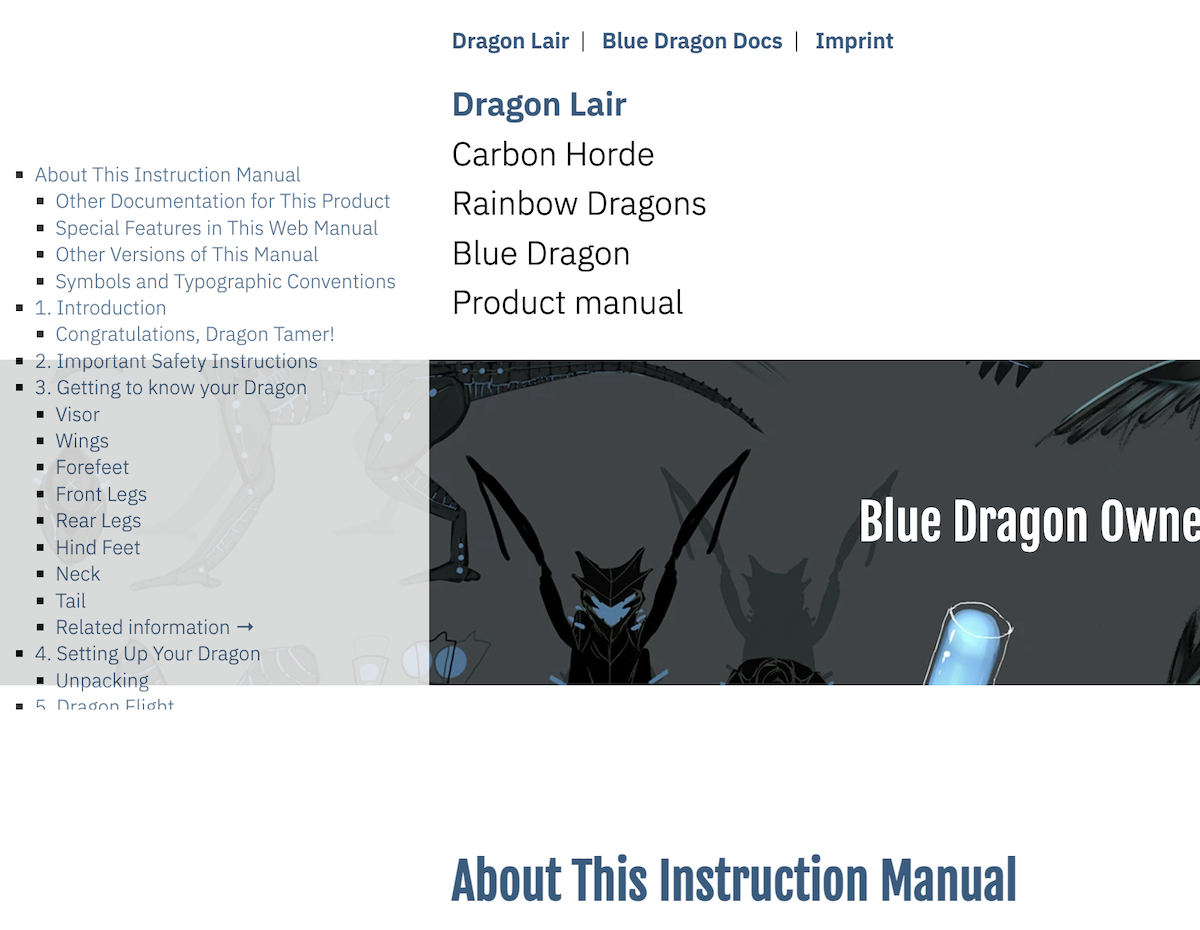
All documents (both chapters and full-length manuals) have hierarchical, hyperlinked tables of contents. Responsive styling places the table of contents either to the left of the document or on top.
- Transclusion / StretchText – interactive
-
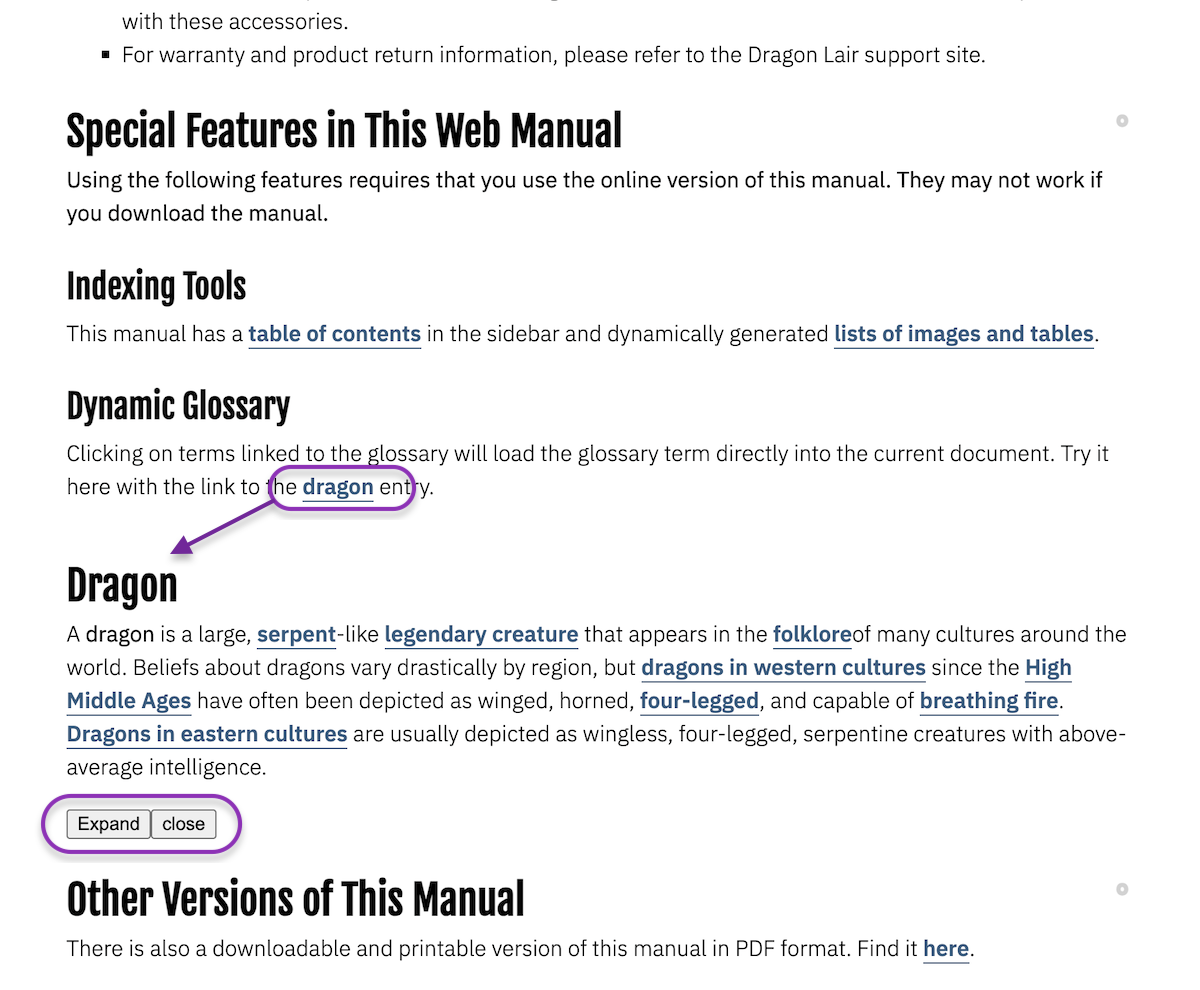
Authors can assign an attribute to a hyperlink in a document that will (via JavaScript) load the lead section or another designated section of another document into the current document (instead of having the hyperlinked document replace the current document).
- Typography (font + style specification)
-
Authors can style textual content using default and custom fonts.
↻ 2025-11-20