Web Manuals Navigation Help
Ripple, our navigation toolbox, enhances web manuals and other documents with the features described on this page.
Dynamic indexes
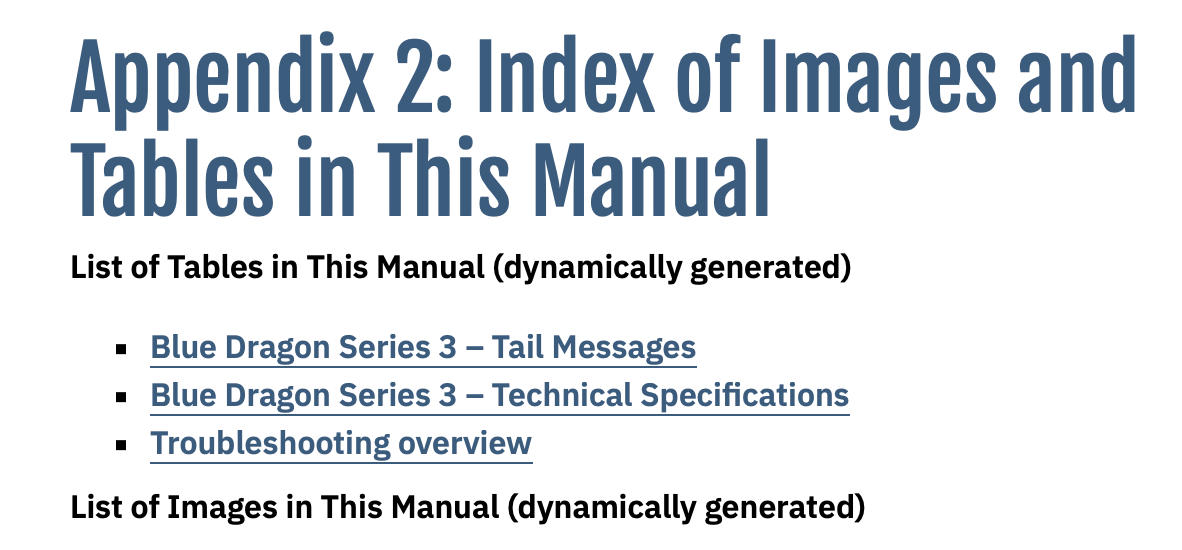
Pages enhanced with Ripple may contain lists of tables, images and other elements. These lists are linked to the respective elements. Just click/tap the name of the element you are interested in.
Previous/Next Navigation
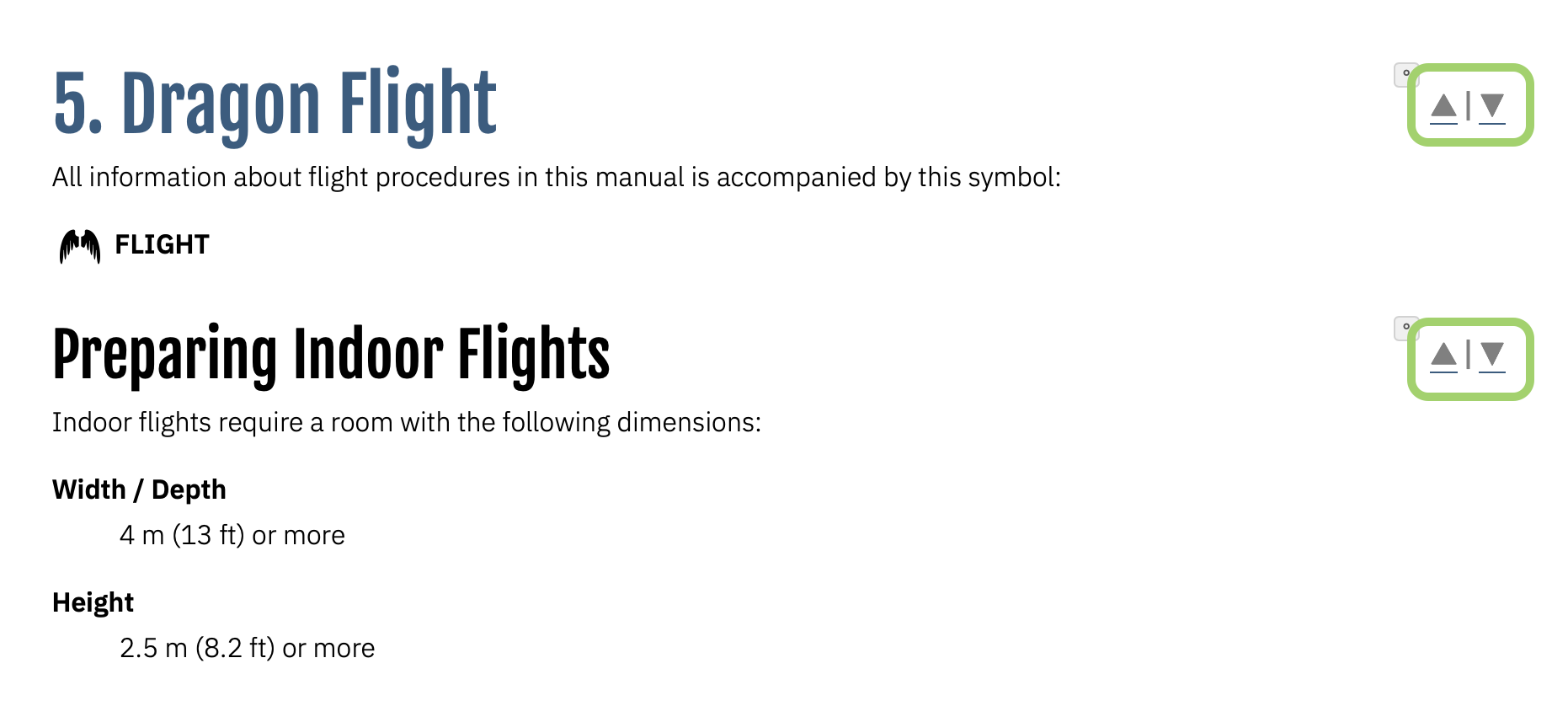
On many pages enhanced with Ripple, you may see arrows at the end of headings, table and image captions. Click/tap an arrow to jump to the next or previous element of this type. This allows you to quickly navigate large and complex documents more easily, especially on devices with small screens.
ID Bookmarker
On many pages enhanced with Ripple, you may see a degree symbol (°) at the end of headings, table and image captions. Click/tap this widget to place a bookmark to this heading, table or image caption on the system clipboard. You can then share this bookmark via e-mail, messenger or any other means of communication.
Real-Time Content Filter
On many pages enhanced with Ripple, there is a “filter” field. If you type into this field, only the paragraphs and list items containing the text you typed will be shown, all other content will be hidden. This allows you to quickly drill down long pages and only see the paragraphs you are currently interested in.
Headings are usually not hidden by this feature.
To reveal the full page content again, just clear the input field.

Table Sorter
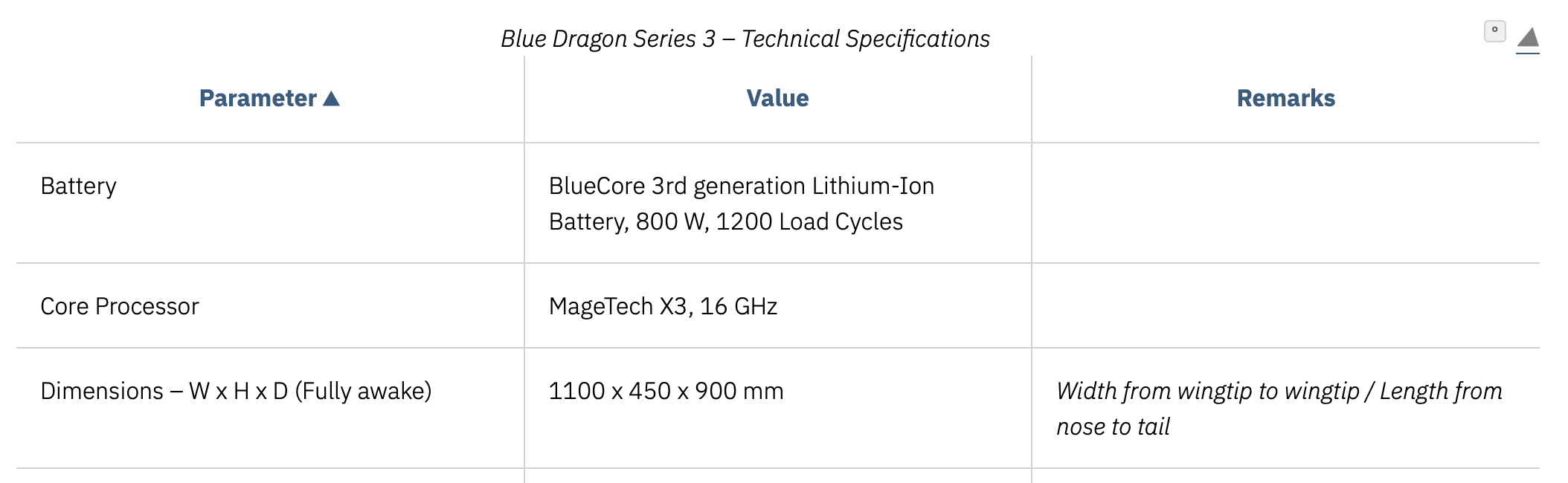
On many pages enhanced with Ripple, you can click/tap table headers to sort the table alphabetically by the respective column. Click/tap the header again for a reverse (Z to A) sort.
Content Highlighter and Clipper (Notes)
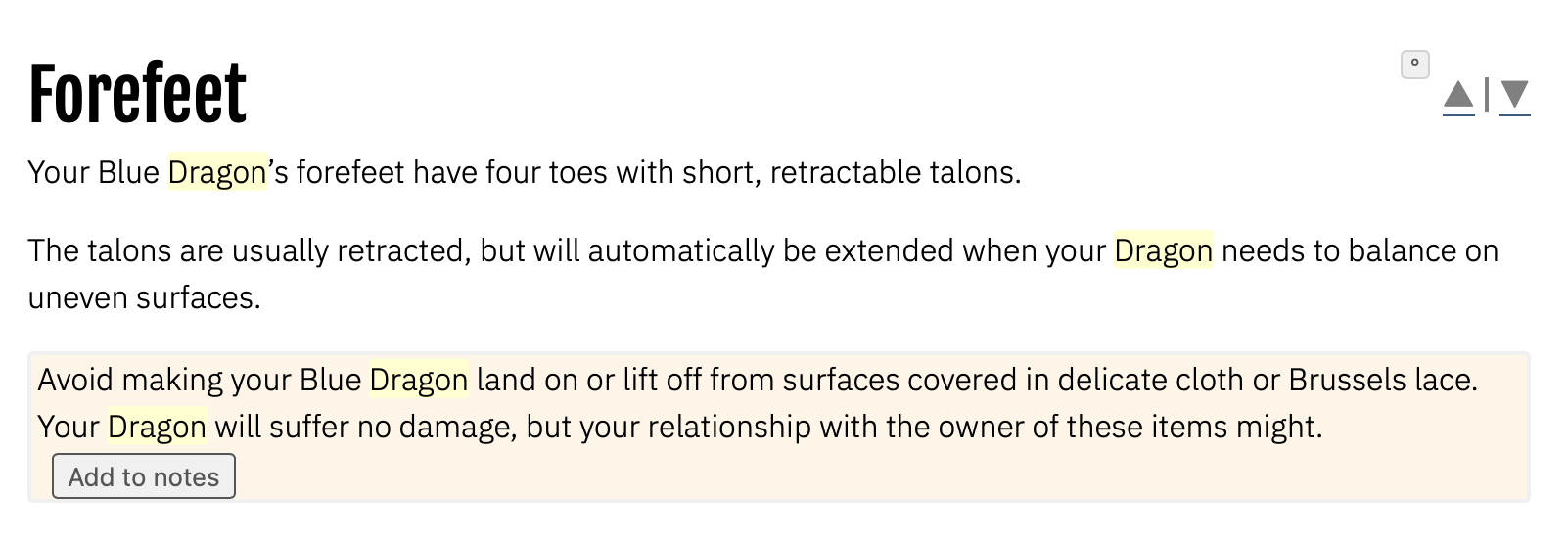
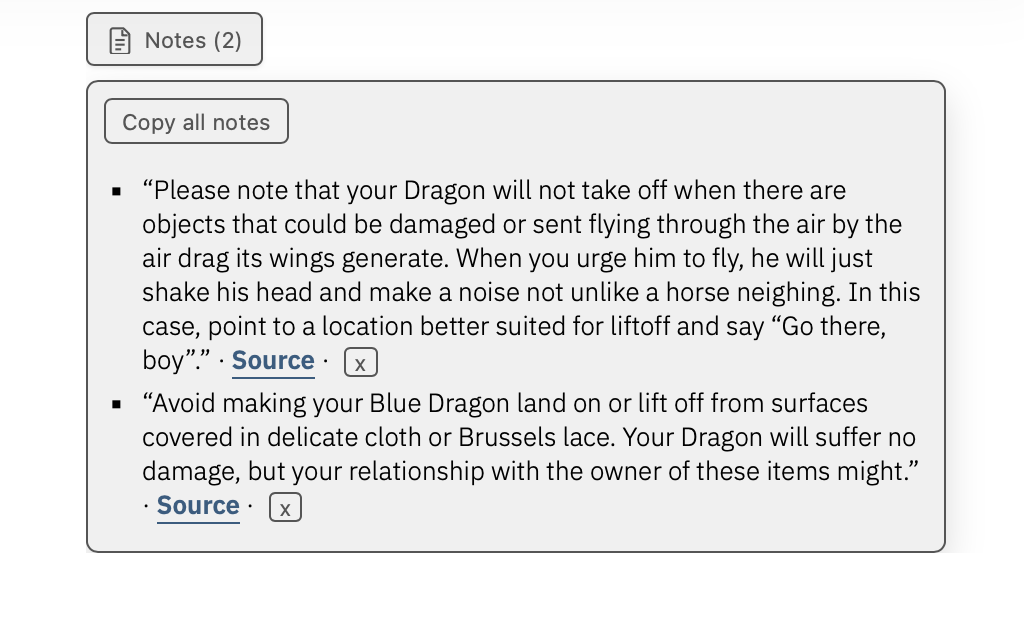
On many pages enhanced with Ripple, clicking or tapping into a paragraph will highlight that paragraph, and an “Add to Notes” item will be shown. Click “Add to Notes” to add this paragraph to a collection of interesting content on this website. To see the list of stored notes, click the “Notes” widget.
To remove a note from the notes list, click/tap the “x” widget at the end of that note.
Please note that this note list is stored locally in the web browser that you are currently using. The list is not replicated over multiple browsers (e.g. Chrome and Safari) or multiple machines.
Clicking or tapping a word in a paragraph will also highlight all instances of this word on the current page.
Ripple is developed and maintained by 9to5 Media Services
↻ 2026-03-10